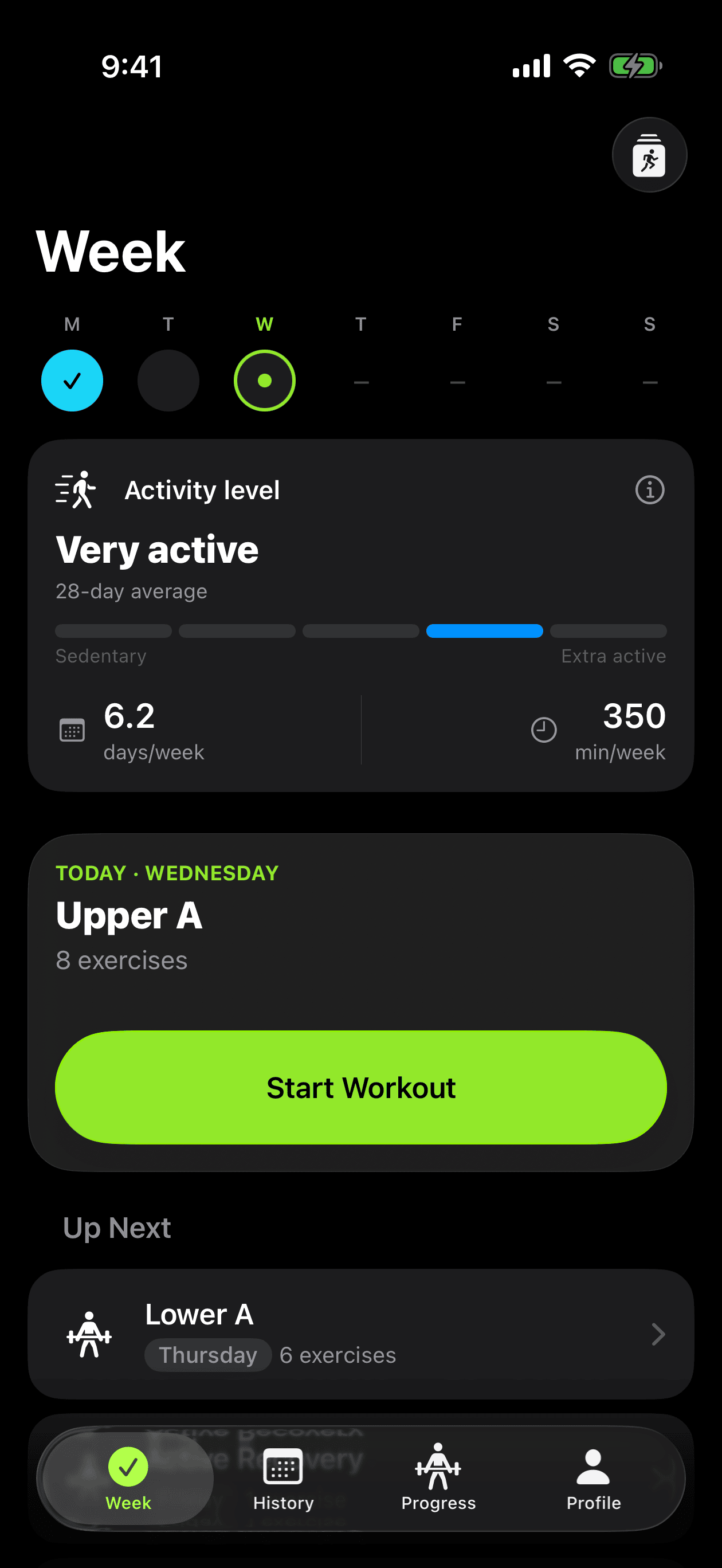
An organized week
Assign workouts to days of the week and start today's session in a few taps.
Workout tracker for iPhone & Apple Watch
Build the plan, log every set and watch the weight go up. Personal Gym is the gym log that runs on iPhone and standalone on Apple Watch — with a rest timer, last session's weight and a load curve for every exercise.
One-time purchase · iPhone with iOS 26.1 or later
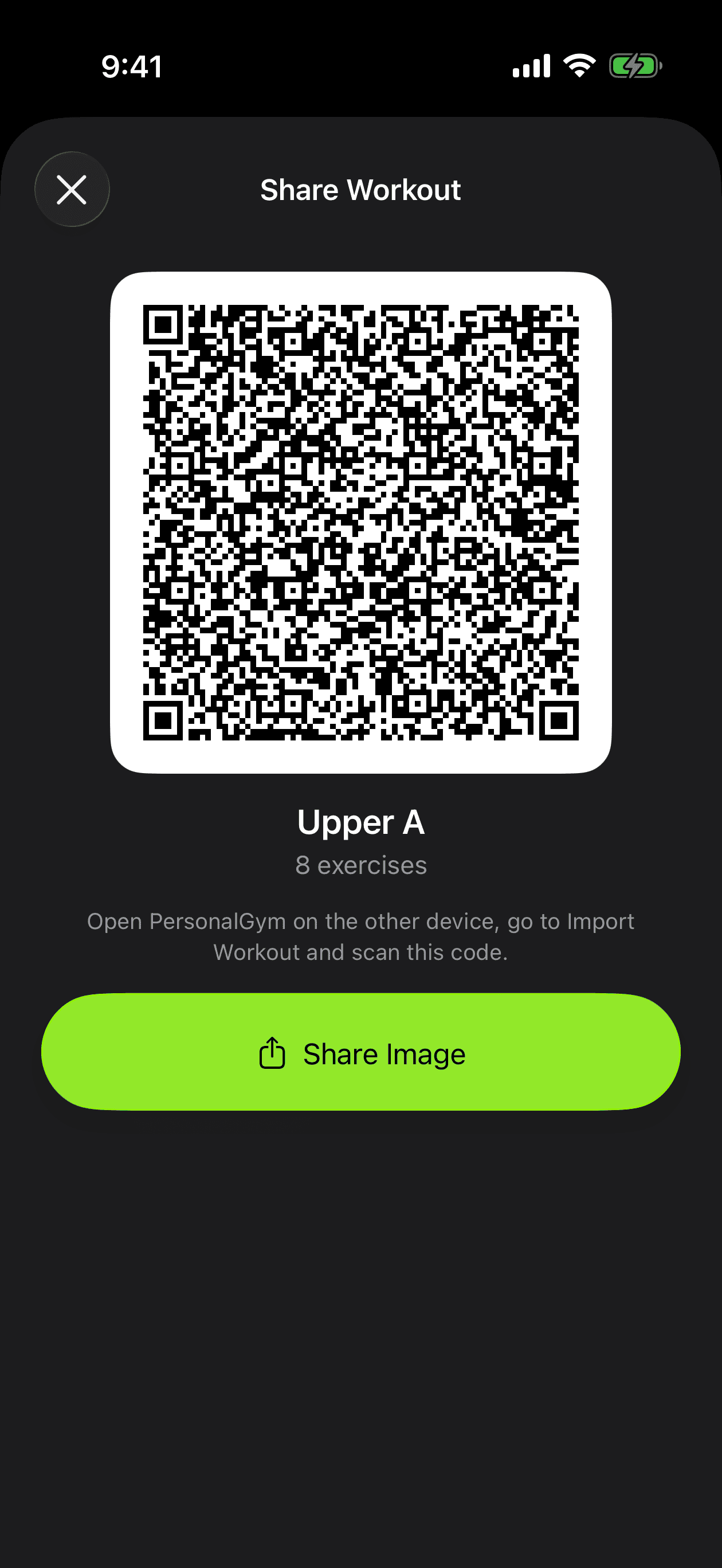
Import
Already have a workout written down? Paste the text, import a file, open a link or scan a shared QR code — Personal Gym builds the plan and shows you every exercise for review before anything is saved.
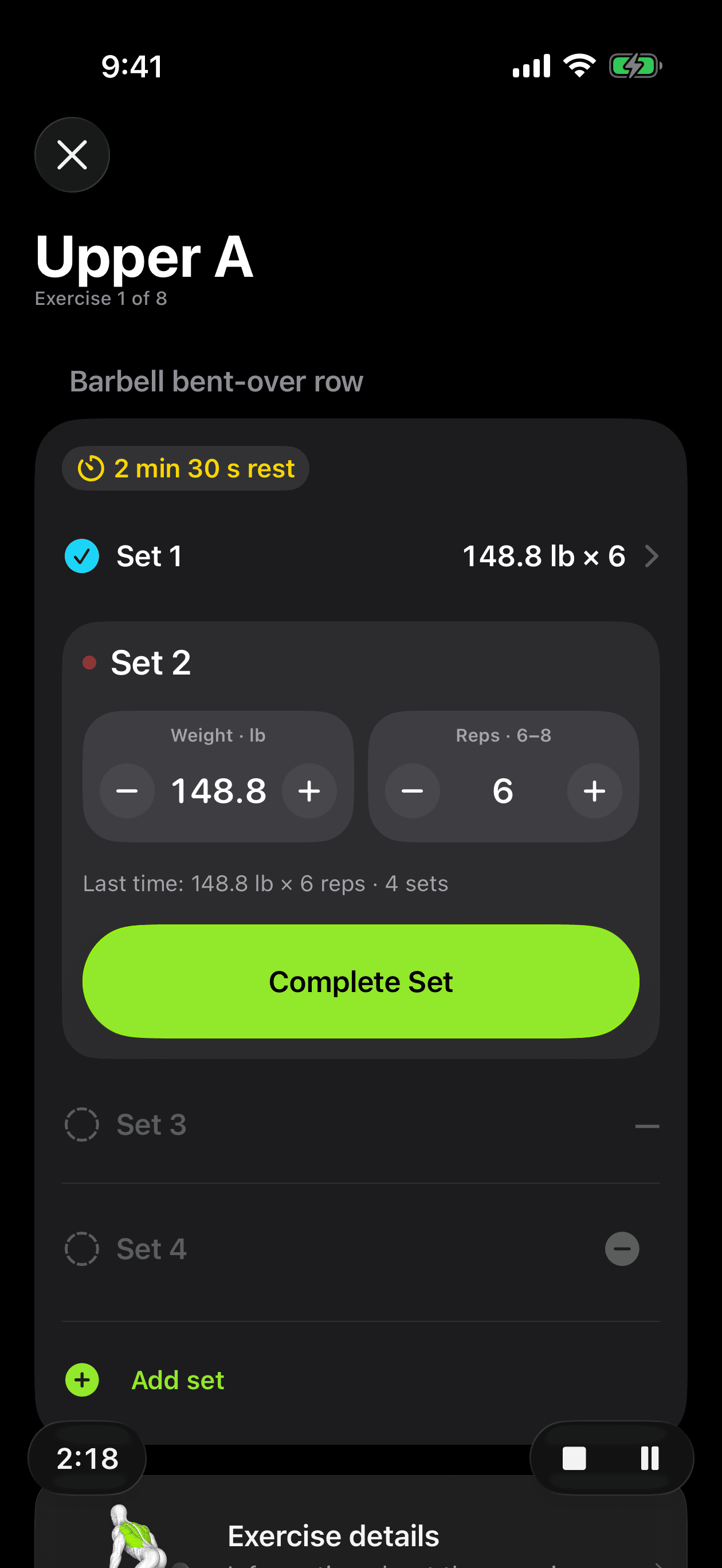
Train
Record weight, reps, duration or distance as you go. The rest timer notifies you when it's time for the next set, and your last performance on the same exercise is right there before you choose the load.
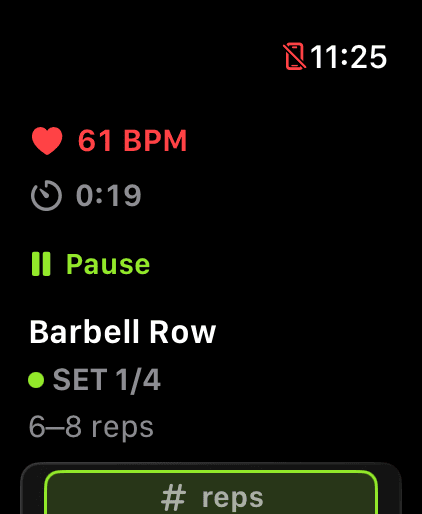
Apple Watch
Start, log and finish a workout right from your wrist, even with iPhone out of range. Sets, weight, rest timer and — when available — live heart rate and calories. Once you reconnect, the session lands in your iPhone history on its own.
Progress
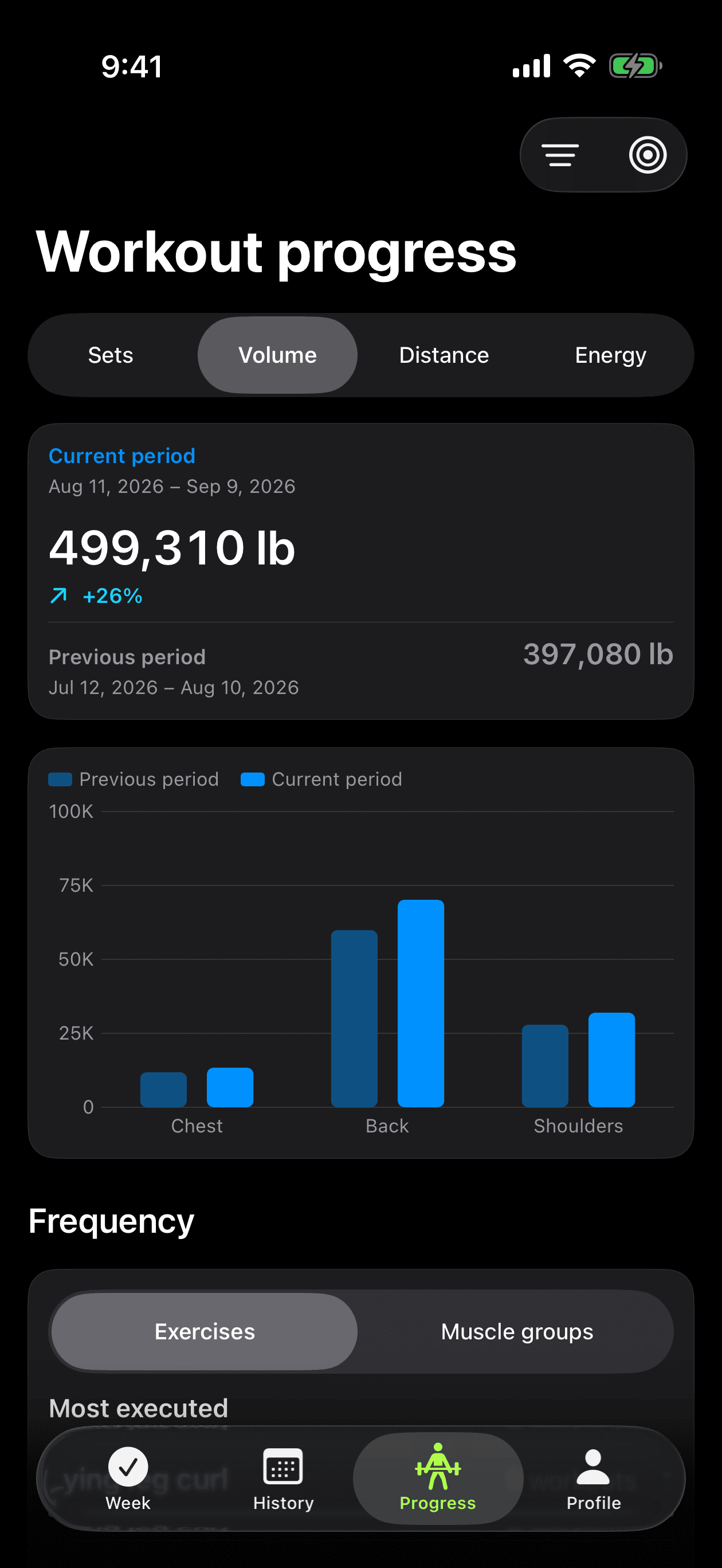
Every session becomes data you can act on: estimated one-rep max, the load curve for each exercise, volume and sets per muscle group compared with the previous period, and personal records with dates.
Exercise library
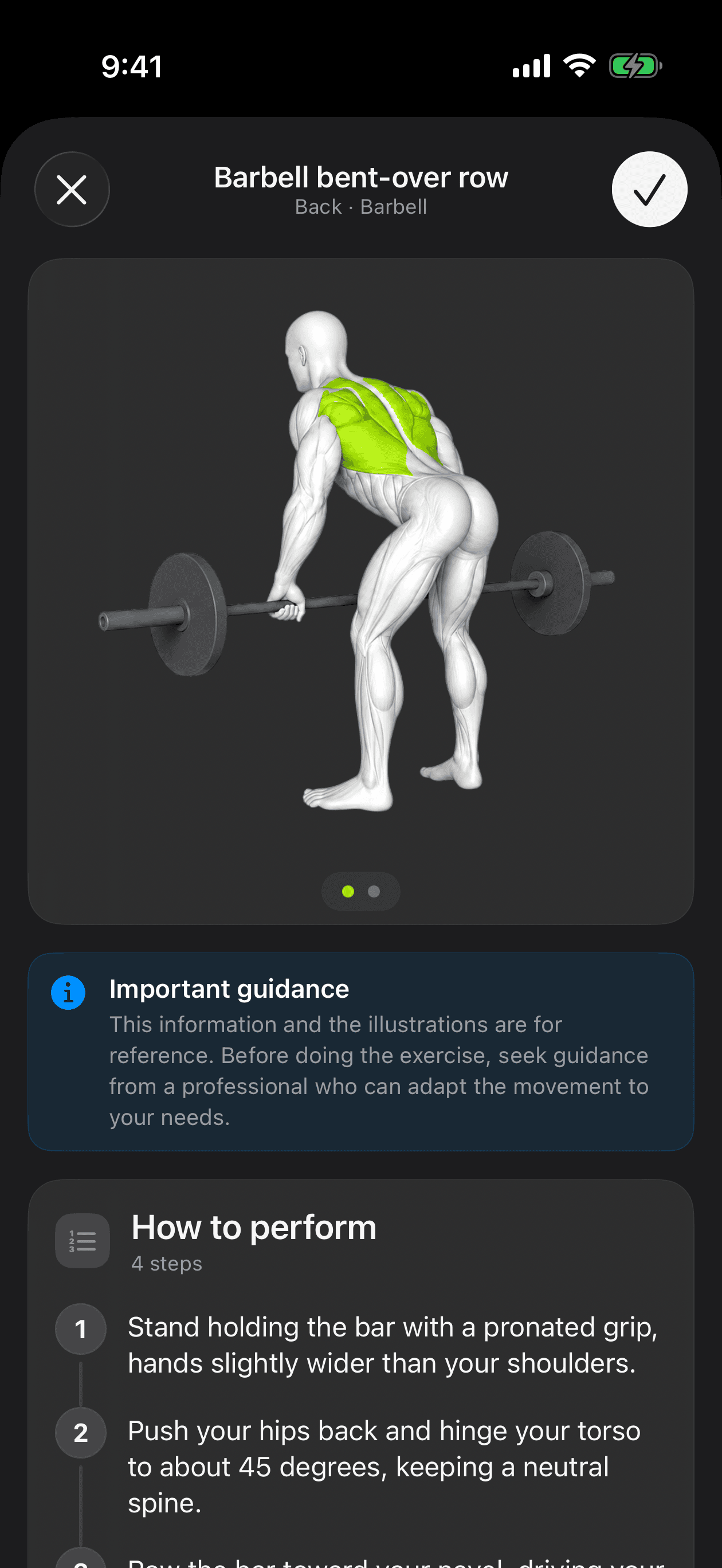
Each exercise comes with a description, target muscle groups and illustrated form in four steps, in English and Portuguese. Strength, time, distance or reps: every exercise uses the right metric, and you can create your own.
And more
Everything that supports you before, during and after the workout.
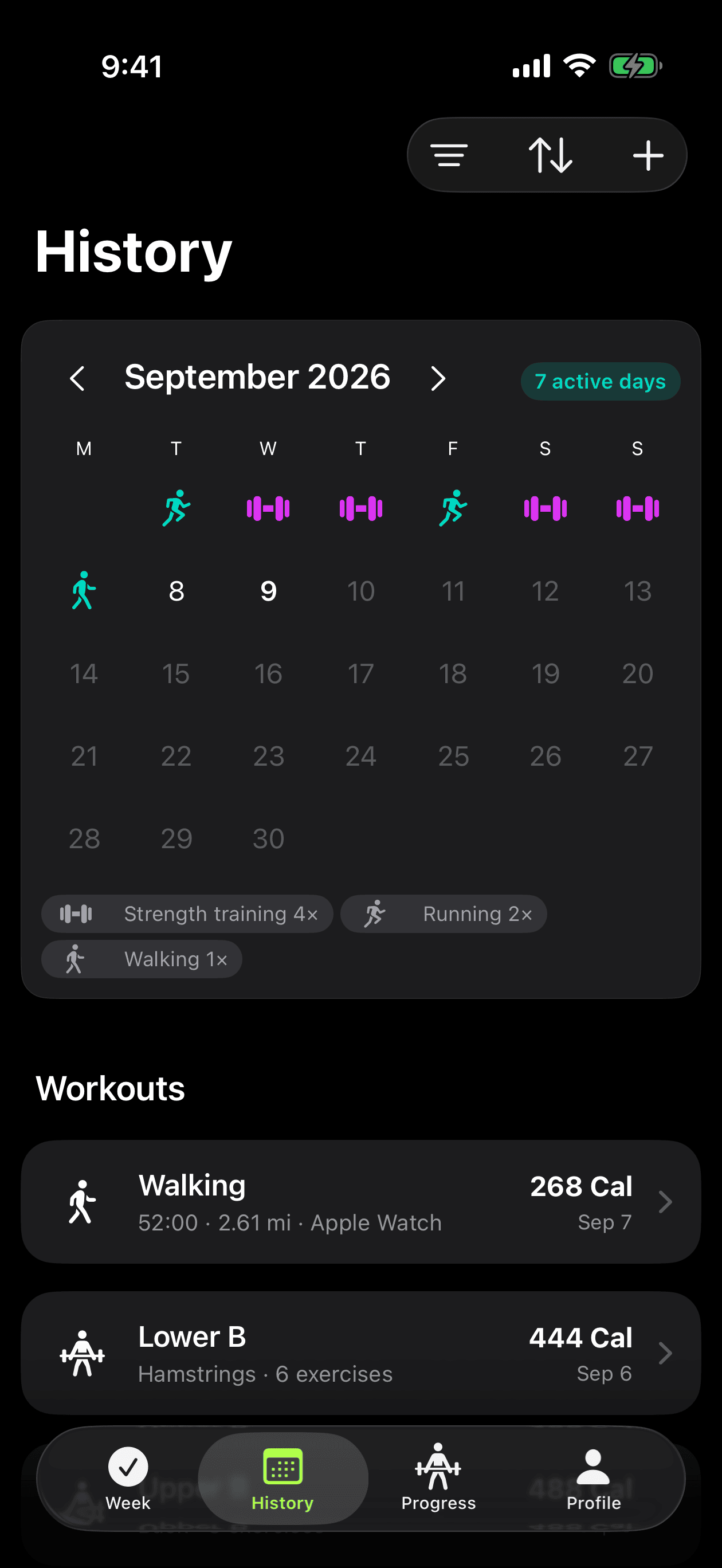
Assign workouts to days of the week and start today's session in a few taps.
An activity calendar and the full record of every session, including activities imported from Apple Health.
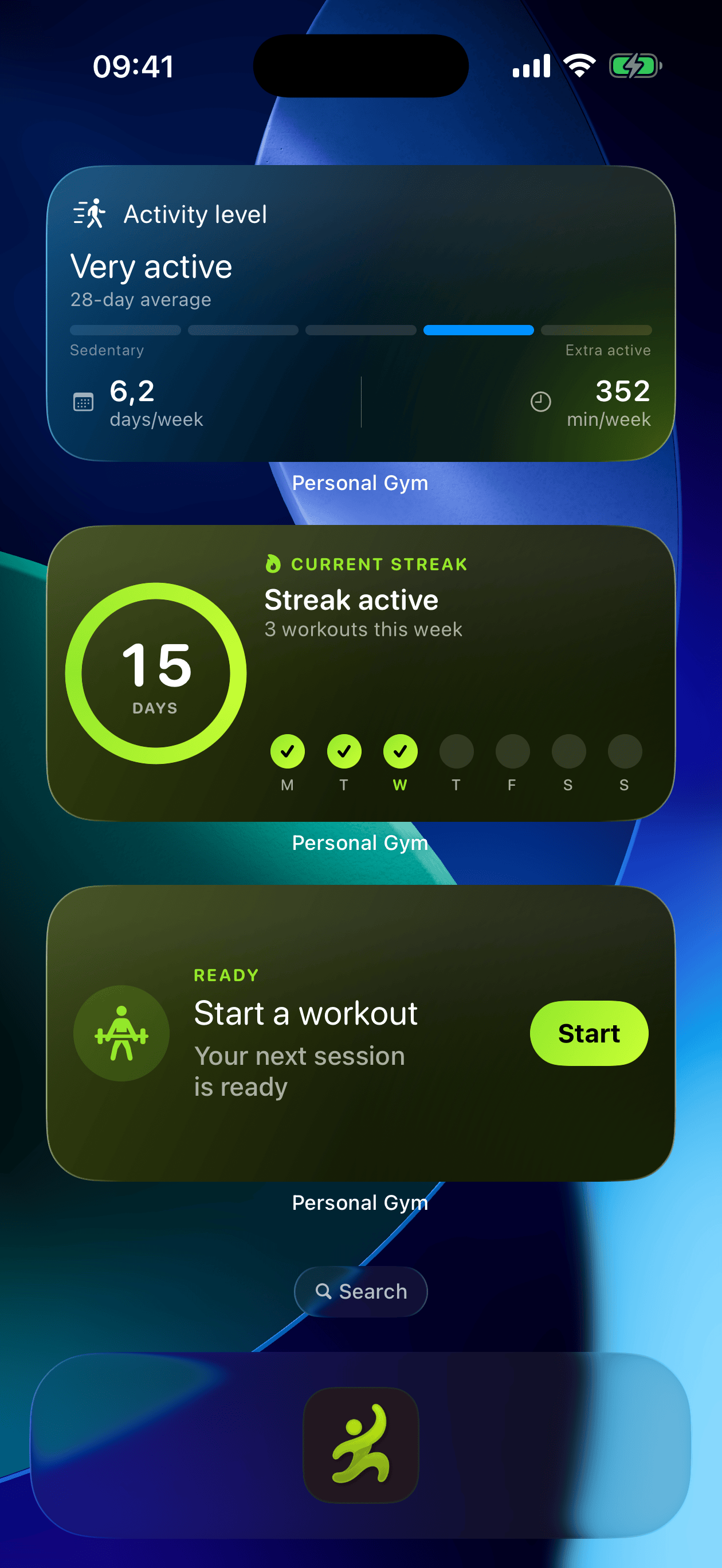
A Home Screen widget with your activity level, and Live Activities on the Lock Screen during workouts and rest.
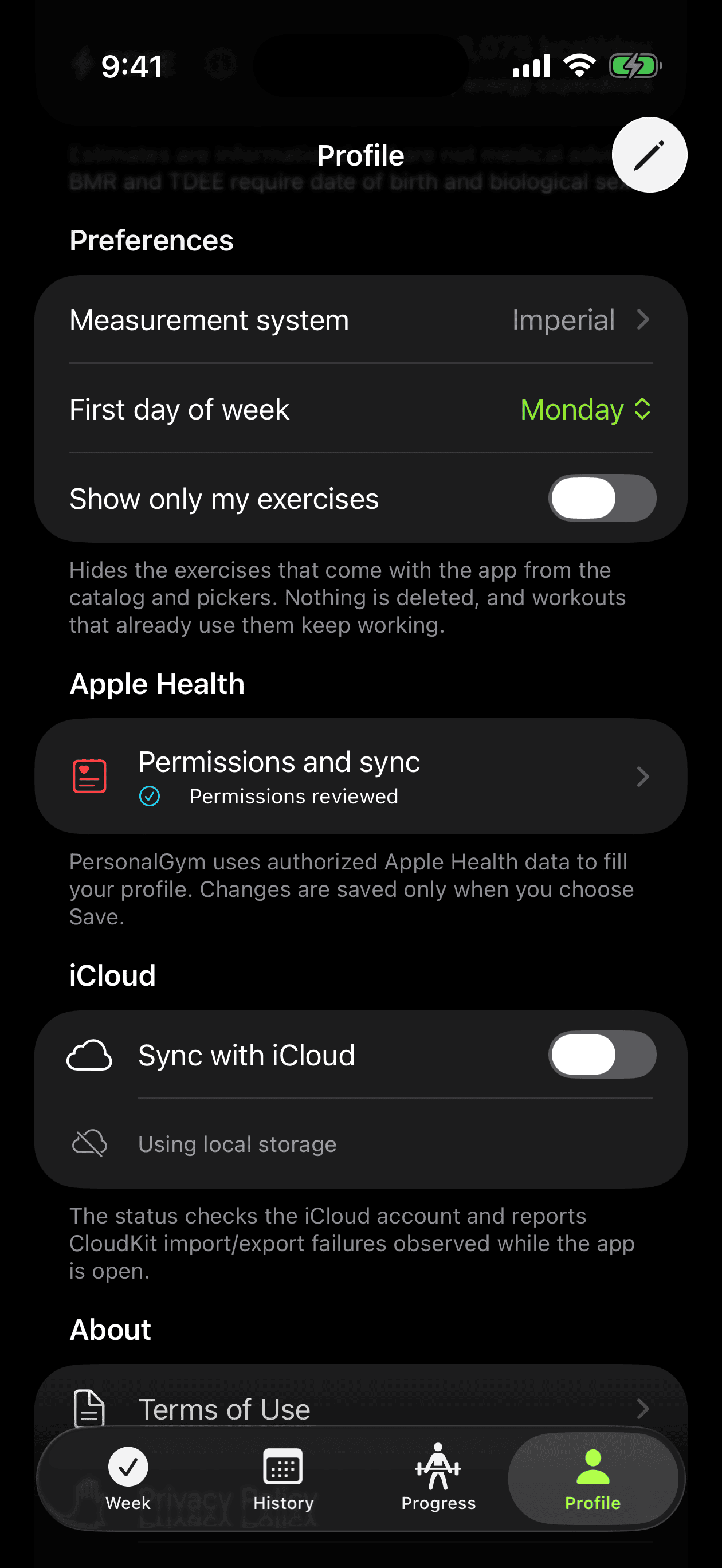
Save finished workouts and import authorized activities. The app stays fully usable without granting access.
iPhone and Apple Watch stay in step through your own private iCloud database. On by default; you can turn it off in your profile.
Metric, imperial or UK hybrid; English and Portuguese (Brazil), exercise catalog included.
Screens
Real screens from the app, in the same order you'll find them on the App Store.
Privacy
Personal Gym has no account, no servers of its own, no analytics and no advertising. Its App Store privacy label reads “Data Not Collected”. Your workouts live on your device and in your own private iCloud, a sync you can turn off at any time.
Read the privacy policy →No login and no account: the app is ready the moment you open it.
Imported plans and progress insights are processed on your iPhone, never on a server.
No analytics, no ads and no third-party SDKs of any kind.
How it works
Choose from the illustrated exercise catalog or paste the workout you already have — sets, reps, load and rest included.
Start today's workout on iPhone or Apple Watch and let the rest timer tell you when to go again.
History and progress charts turn each session into load, volume and records you can compare over time.
FAQ
Personal Gym is a one-time purchase on the App Store — no subscription, no in-app purchases and no ads. The price is set per country and shown in your local currency on the App Store. With Family Sharing, up to six family members can use it.
No. There is no sign-up or login: everything is available the moment you open the app.
Yes. Your plans are stored on the Watch, so you can start, log and finish a workout with your iPhone out of range. The session is added to your iPhone history when the devices reconnect.
Yes. Paste the text, import a file, share a link through the iOS share sheet or scan a QR code. You review every exercise before the plan is saved.
No. Personal Gym has no servers, analytics or trackers. Your data stays on your device and syncs through your own private iCloud account — on by default, and you can turn it off in Profile → iCloud.
No. The integration is optional. Without it, logging, plans, history, records and progress keep working; only the features that depend on Health data are unavailable.
Yes — metric, imperial or UK hybrid units, chosen in your profile.
An iPhone running iOS 26.1 or later. Apple Watch is optional and lets you train right from your wrist.
Personal Gym is available on the App Store for iPhone and Apple Watch.
One-time purchase. No subscription, no ads.